Showing posts with label p8. Show all posts
Showing posts with label p8. Show all posts
Thursday, 29 December 2016
How To Root Huawei P8 lite Android Marshmallow 6 0 Update With SuperSu
How To Root Huawei P8 lite Android Marshmallow 6 0 Update With SuperSu
If you own a Huawei P8Lite running latest android 6.0 Marshmallow and you want to get root access on your device. Now you can easily Root Huawei P8 Lite With SuperSu v2.65 or above. But remember make sure your device’s bootloader is unlocked and you have a custom recovery (TWRP) Installed on your device. Then you can easily flash the latest SuperSu root file via recovery to get root access on your Huawei P8Lite
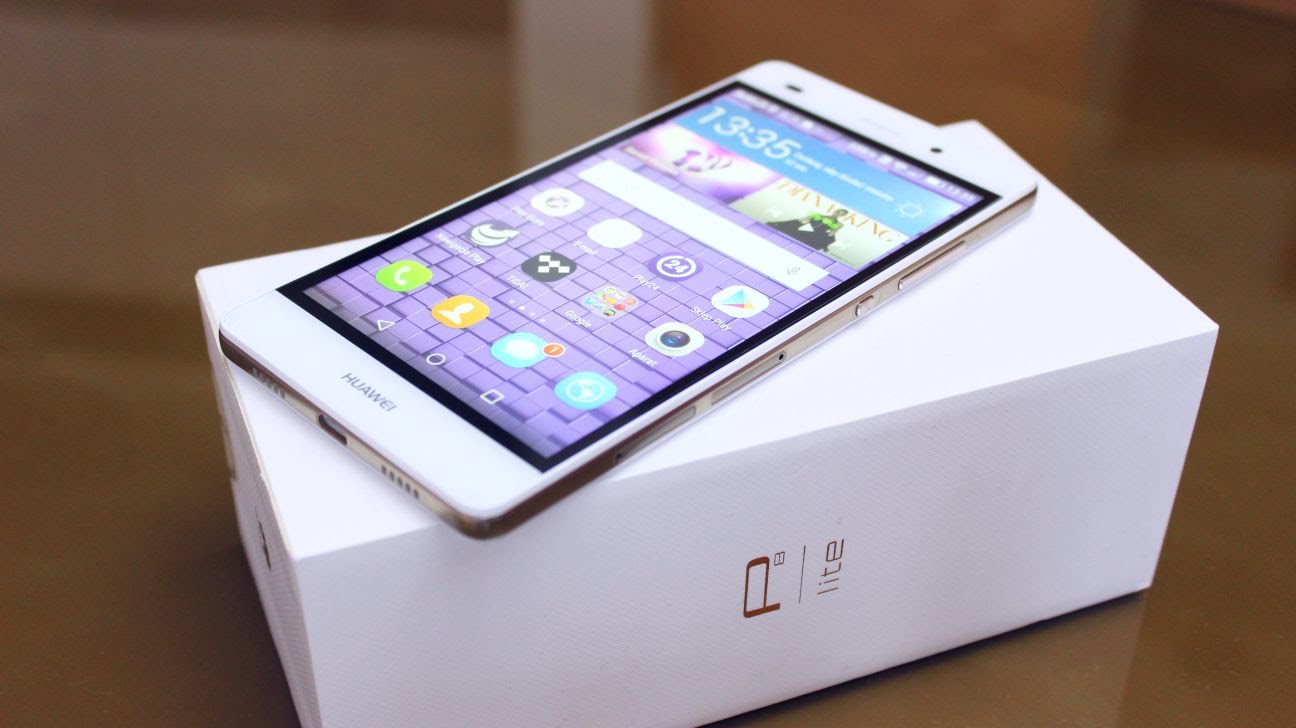
Now it is very simple and easy to root any Android 6.0 Marshmallow devices. Thanks to Chainfire’s auto boot patcher in SuperSu v2.65 and above, it’s very simple and easy to get root on most Marshmallow firmware from most manufacturers.
You can root almost all android 6.0 marshmallow devices (Stock Firmware) by just flashing the SuperSu v2.65 File.By Flashing This, you can easily Root Huawei P8 lite Android Marshmallow 6.0 Update
Warning: we will not be held responsible for any kind of damage occurred to your Huawei P8Lite while following this tutorial.Do it at your own risk.
Pre-Requirements:
- Huawei Mate P8Lite
- The bootloader must be unlocked.Guide > How To Unlock Bootloader On Huawei Devices
- Make sure you have TWRP Installed on your device
Downloads
- SuperSu v2.67 (download the V 2.67)
How To Root Huawei P8 lite Android Marshmallow 6.0 Update With SuperSu
STEP2- Boot your device into TWRP recovery.
STEP3- Tap on “Install” and select the SuperSU zip file that you transferred to your device in Step 1.
STEP4- After selecting the .zip file, do “Swipe to Confirm Flash” on the bottom of screen to begin the flashing process.
STEP5- Once SuperSU is flashed, you’ll get “Reboot System” option, select it.
Congratulations! Your device should be rooted now. Look for the SuperSU app in app drawer.
Available link for download

Sunday, 6 November 2016
Install Official Huawei P8 B317 Android 6 0 Marshmallow Update
Install Official Huawei P8 B317 Android 6 0 Marshmallow Update
In this guide, you will learn How to Download & Flash / Install Huawei P8 Official Marshmallow Update.This is the latest Android 6.0 Marshmallow update from Huawei.Here we will be sharing the direct link to download the marshmallow update Zip file and steps to install it on your Huawei Ascend P8.
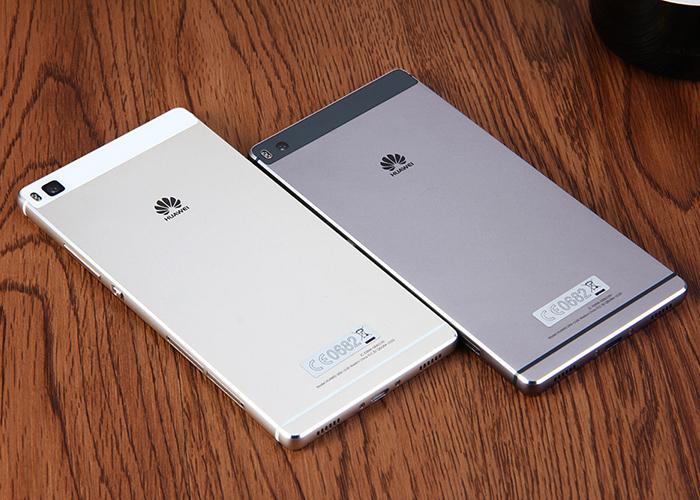
[lock]The update comes to the GRA-L09 (Europe) variant and it will take your P8 to firmware version GRA-L09_C432B317. So hit the download section below to grab the latest update. We have also listed a simple tutorial to update your phone which goes well with almost all Huawei devices; provided you have the correct update file. This is for Spain and the update is rolling out regionally.
Firmware Details:
- Device: Huawei P8
- Model: GRA-L09
- Android: v6.0 Marshmallow
- EMUI: 4.0
- Firmware: B317
- Build: GRA-L09C432B317
- Region: Europe
- Country: Spain
- Status: Official (stable)
- Release Date: 19-02-2016
- File Name: GRA-L09_C432B317_Firmware_Europe_Android6.0_EMUI4.0.zip
Download OTA for Huawei P8
Final EMUI 4.0 B317 OTA for Huawei P8 GRA-L09
? Download | OTA C432B317 File: update.zip (434.4 MB)
Official full stock firmware for Huawei P8 GRA-L09
? Download | File: GRA-L09_C432B317_Firmware_Europe_Android6.0_EMUI4.0.zip [1.46 GB]
More firmware files for Huawei P8 and P8 Lite ? Visit
[/lock]
How to Install Official Huawei P8 B317 Android 6.0 Marshmallow Update
Step 1. First, check your firmware version. If you already have the latest one, you don’t need to update.
Step 2. Backup is highly recommended. Backup all your personal stuff like data, apps, media, storage files and fully charge the battery.
Step 3. Download Android 6.0 Marshmallow OTA file from above for your Huawei P8 Lite. You need to be on the B188 base firmware. Hence, first install B170 and then update to B188 as follows.
Step 4. Rename the downloaded file to update.zip for convenience. (.zip extension is important)
Step 5. Now create a folder named dload in the root of your internal storage or on your SD card. Now place the update.zip file here.
Step 6. Go to settings>update and hit the menu button and then choose Local update.
Step 7. If you have copied the update.zip file correctly, then you will find it on the select menu. Tap on it and start installation
Step 8. Wait until the update is applied.
That’s it. Reboot and enjoy your latest marshmallow ROM. Alternatively, you can flash the firmware files using ADB sideload method.
Available link for download
Friday, 9 September 2016
How to Update Huawei P8 Lite With Official Android 6 0 Marshmallow
How to Update Huawei P8 Lite With Official Android 6 0 Marshmallow
Huawei P8 Lite is now available that will take your device to Android 6.0 Marshmallow. The OTA comes to us officially with a Beta build that Huawei released some time ago. The Marshmallow firmware has been confirmed stable by some of the testers on XDA forums. However, the ROM may lack some of the features from Marshmallow in its initial builds. With more such updates, stability improvements and bug fixes can be expected.

The Android 6.0 firmware upgrade comes in the form of an OTA file with build number C432B188. It is recommended to flash the OTA over the stock Huawei P8 Lite ALE-L21432B170 (Europe) firmware.
Warning: We at droidupdatez won’t be liable for any damage to your Android device whatsoever. We won’t be held responsible if you brick your device. A full backup is highly recommended. Go through all the requirements carefully. Reader’s discretion is advised.
Download Stock Firmware Files for Huawei P8
Android 6.0 Marshmallow OTA for Huawei P8 Lite
? Download | OTA C432B188 File: update.zip (109 MB)
? Download | OTA C432B188 File: update.zip (109 MB)
Base Firmware for the above OTA update
? Download | Huawei_P8_Lite_ALE-L21_V100R001C432B170_Europe.zip (1.45 GB)
? Download | Huawei_P8_Lite_ALE-L21_V100R001C432B170_Europe.zip (1.45 GB)
How to Update Huawei P8 With Official Android 6.0 Marshmallow Beta Firmware
Step 1. First, check your firmware version. If you already have the latest one, you don’t need to update.
Step 2. Backup is highly recommended. Backup all your personal stuff like data, apps, media, storage files and charge the battery to max.
Step 3. Download Android 6.0 Marshmallow OTA file from above for your Huawei P8 Lite. You need to be on the B188 base firmware. Hence, first install B170 and then update to B188 as follows.
Step 4. Rename the downloaded file to update.zip for convenience. (.zip extension is important)
Step 5. Now create a folder named dload in the root of your internal storage or on your SD card. Now place the update.zip file here.
Step 6. Go to settings>update and hit the menu button and then choose Local update.
Step 7. If you have copied the update.zip file correctly, then you will find it on the select menu. Tap on it and start installation
Step 8. Wait until the update is applied.
That’s it. Reboot and enjoy your latest marshmallow ROM.
Troubleshoot boot loop:
Forced upgrade: In case your phone is bricked, turn it off completely and then boot by holding Vol down + Vol up + Power at the same time. Release the Power button upon vibration and wait for the upgrade to start. Alternatively, you can try a factory reset from your stock recovery.
Like and share us on social media. For any help or queries, comment down below. Get in touch with us if you want to know more about the installation procedure or the device. If you come across any errors let us know.
Available link for download
Subscribe to:
Posts (Atom)