Showing posts with label supersu. Show all posts
Showing posts with label supersu. Show all posts
Thursday, 29 December 2016
How To Root Huawei P8 lite Android Marshmallow 6 0 Update With SuperSu
How To Root Huawei P8 lite Android Marshmallow 6 0 Update With SuperSu
If you own a Huawei P8Lite running latest android 6.0 Marshmallow and you want to get root access on your device. Now you can easily Root Huawei P8 Lite With SuperSu v2.65 or above. But remember make sure your device’s bootloader is unlocked and you have a custom recovery (TWRP) Installed on your device. Then you can easily flash the latest SuperSu root file via recovery to get root access on your Huawei P8Lite
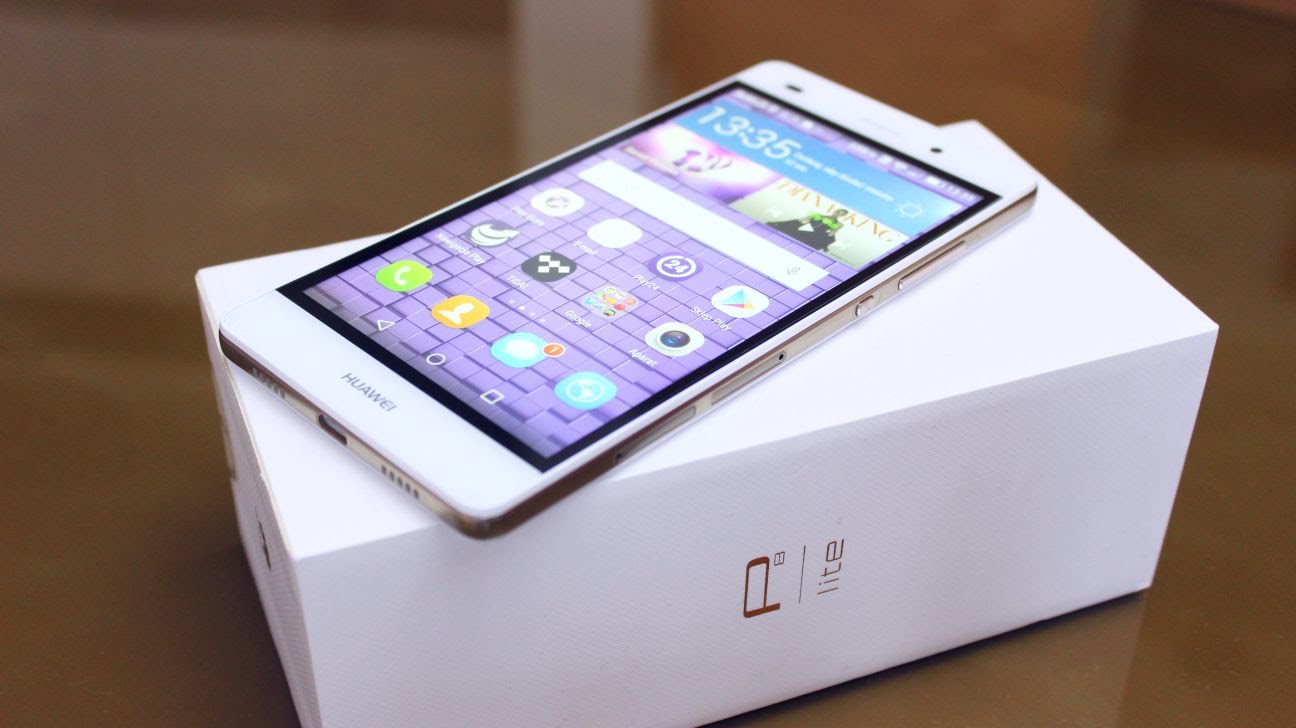
Now it is very simple and easy to root any Android 6.0 Marshmallow devices. Thanks to Chainfire’s auto boot patcher in SuperSu v2.65 and above, it’s very simple and easy to get root on most Marshmallow firmware from most manufacturers.
You can root almost all android 6.0 marshmallow devices (Stock Firmware) by just flashing the SuperSu v2.65 File.By Flashing This, you can easily Root Huawei P8 lite Android Marshmallow 6.0 Update
Warning: we will not be held responsible for any kind of damage occurred to your Huawei P8Lite while following this tutorial.Do it at your own risk.
Pre-Requirements:
- Huawei Mate P8Lite
- The bootloader must be unlocked.Guide > How To Unlock Bootloader On Huawei Devices
- Make sure you have TWRP Installed on your device
Downloads
- SuperSu v2.67 (download the V 2.67)
How To Root Huawei P8 lite Android Marshmallow 6.0 Update With SuperSu
STEP2- Boot your device into TWRP recovery.
STEP3- Tap on “Install” and select the SuperSU zip file that you transferred to your device in Step 1.
STEP4- After selecting the .zip file, do “Swipe to Confirm Flash” on the bottom of screen to begin the flashing process.
STEP5- Once SuperSU is flashed, you’ll get “Reboot System” option, select it.
Congratulations! Your device should be rooted now. Look for the SuperSU app in app drawer.
Available link for download

Tuesday, 20 September 2016
Install SuperSU and Root Android N Developer Preview Guide
Install SuperSU and Root Android N Developer Preview Guide
Root is now available for Android N Developer Preview images and can be installed through TWRP or CF Auto Root. If you like testing the latest version of Android earlier than most people, then you might have installed the Android N Developer Preview image on your phone by now.
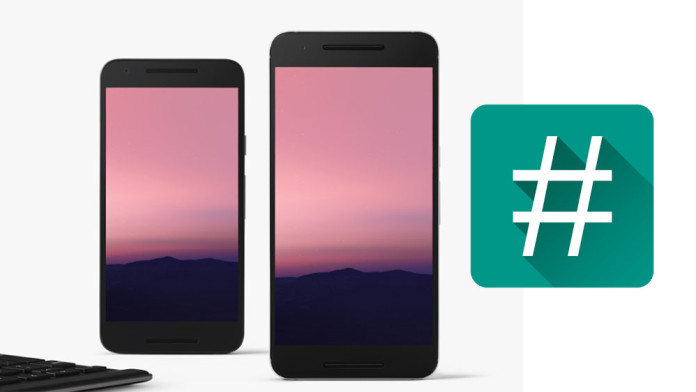
If you have updated your phone to Android N, you will be happy to hear that Chainfire, the developer who is responsible for some of the most popular root apps on the Play Store, has released SuperSU v2.69 which supports Android N Developer Preview. The easiest way to root Android N is by flashing SuperSU v2.69 through a custom recovery such as TWRP, but if you have no recovery installed, then there is another alternative called CF Auto Root.
If you have updated your phone to Android N, you will be happy to hear that Chainfire, the developer who is responsible for some of the most popular root apps on the Play Store, has released SuperSU v2.69 which supports Android N Developer Preview. The easiest way to root Android N is by flashing SuperSU v2.69 through a custom recovery such as TWRP, but if you have no recovery installed, then there is another alternative called CF Auto Root.
How To Root Android N with SuperSU v2.69 and CF Auto Root
Since TWRP is not yet available on Android N, the developer recommends using CFAR. It is a simple way of rooting your Android N device. You need to install the USB drivers and download the CF Auto Root package.
Download required files
- CF Auto Root for Android N
- Nexus 6P: CF-Auto-Root-angler-angler-nexus6p-v2.70.zip
- Nexus 5X: CF-Auto-Root-bullhead-bullhead-nexus5x-v2.70.zip
- Nexus 6: CF-Auto-Root-shamu-shamu-nexus6-v2.70.zip
- Nexus 9: CF-Auto-Root-flounder-volantis-nexus9-v2.70.zip
How to use CF Auto Root on Android N
Firstly, you need to download the correct CF Auto Root package for your phone. You can download it from the download link below. Once downloaded, extract the package. You will find two folders and three files: “root-windows.bat”, “root-mac.sh” and “root-linux.sh”. Each file is for a different OS, Windows, MAC and Linux.[ads-post]
- Turn your phone off. Go into bootloader or fastboot.
- Connect your phone to your PC using a USB cable.
- Double click on one of the three files, depending on what OS you are.
Follow the instructions if any. Then the phone will reboot and you will have root on your Android N device.
Available link for download
Subscribe to:
Posts (Atom)